Split Screen Browsing
Effortless Multitasking with Split Screen
View Two Web Pages Simultaneously

Maxthon Browser's Split Screen Browsing feature has been a beloved tool for users since its early days, even before the launch of Windows 10. This feature allows you to conveniently view two web pages within the same window, making it ideal for multitasking, studying, researching, and comparing information. You can create multiple tabs on both sides of the split screen and easily drag them back and forth as needed. While many competing browsers now offer similar functionalities, Maxthon's Split Screen Browsing remains a favorite among users for its ease of use and practical benefits. Enhance your productivity and optimize your workflow with Maxthon's Split Screen Browsing.

Split Screen is a fantastic feature for multitasking. I can view two web pages side by side effortlessly.
Jan 2021

I love using Split Screen for research. It’s so convenient to compare information without switching tabs.
Aug 2021

Great for productivity! I can keep my email open on one side while browsing on the other.
Mar 2022

Split Screen makes studying and working on multiple documents a breeze. Highly recommend it!
Jul 2023

The ability to drag and drop tabs between screens is very useful. Split Screen is a great addition to Maxthon.
May 2024
Split Screen in Maxthon allows you to view and work with two web pages side by side within the same window.
To enable Split Screen, click the Split Screen icon in the toolbar or use the keyboard shortcut to split your current window into two views.
Yes, you can adjust the size of each screen by dragging the divider between the two screens to your preferred width.
Yes, you can open multiple tabs on both sides of the split screen and drag tabs back and forth as needed.
Split Screen is available on the desktop version of Maxthon. It allows for enhanced multitasking and productivity.
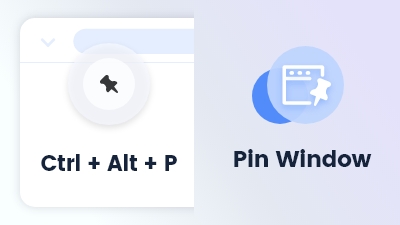
Can be found in the main menu under More Tools. It allows you to keep your current working window fixed at the top of the screen.
Learn more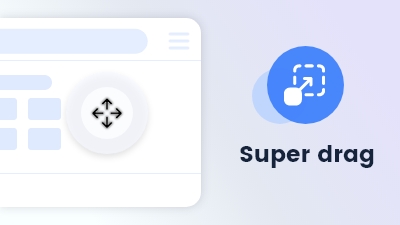
Effortlessly navigate or search by dragging keywords or links or files anywhere on the page.
Learn more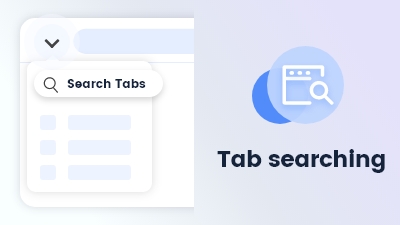
Tab searching quickly locates open tabs, streamlining navigation and management in Maxthon Browser.
Learn more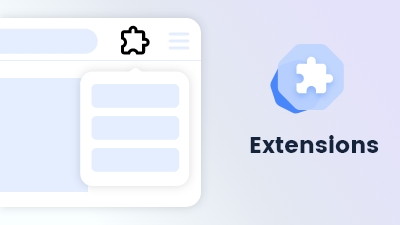
Customize and extend your browsing experience to meet your specific needs and preferences.
Learn more